Struct.
Populate mockups and prototypes with real JSON or live API data in seconds.
Customize field mapping and combine values to build the data you need.
See it in action
Try it
Getting started with Struct is simple. The plugin installs like any other Figma plugin and is ready to use right away.
Install
- Download the Plugin Files: Clone or download the Struct repository from GitHub.
- Open
Figma → Plugins → Development → Import Plugin from Manifest… - Select
manifest.jsonfrom thedistfolder. - Struct will now appear in your Plugins menu under `Development`.
Struct is distributed as a development plugin through GitHub so we can gather feedback. After a few rounds of testing and iteration, it will be released publicly on the Figma Community site.
Use
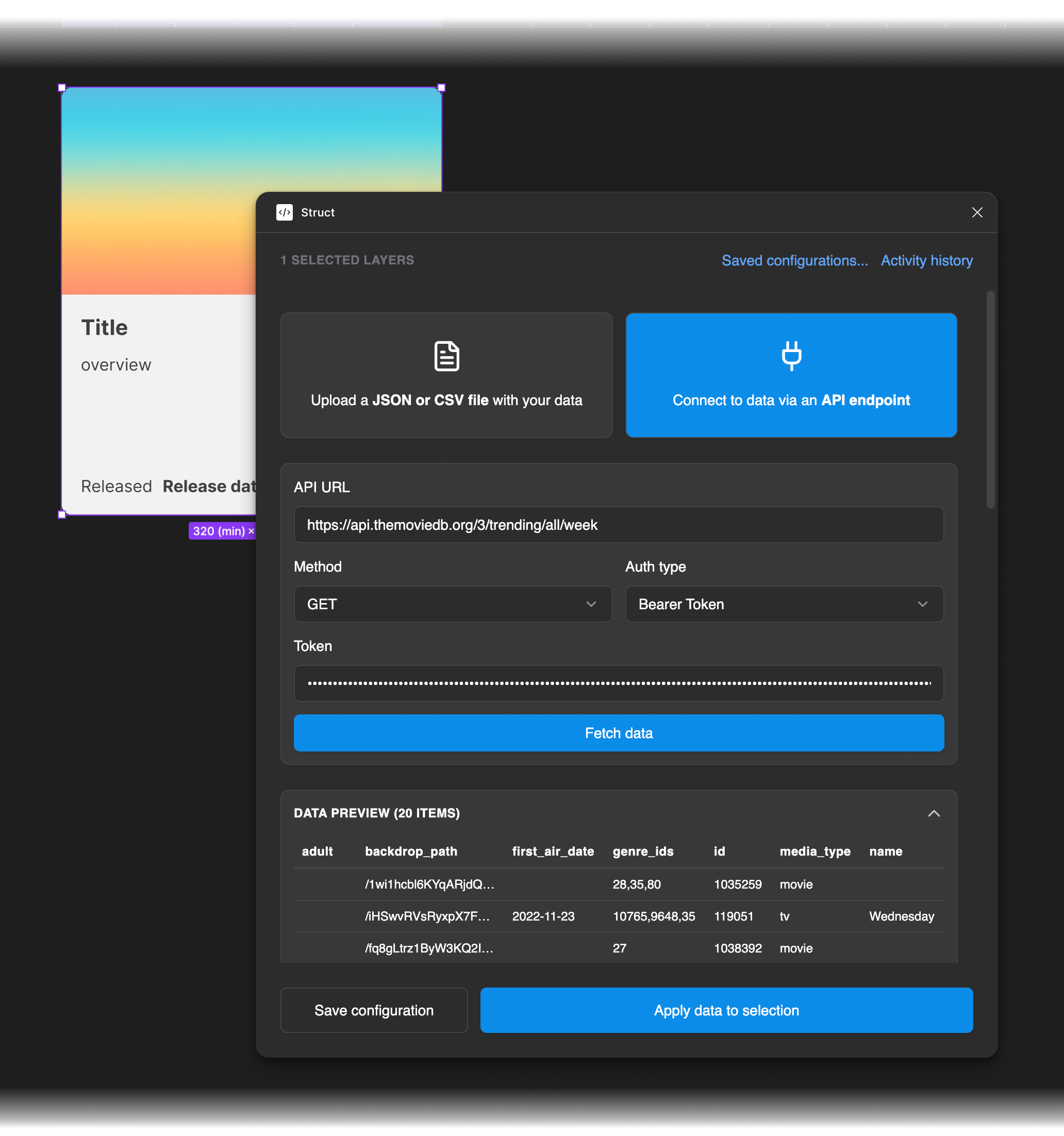
- Select layers. Choose one or more layers or component instances in your Figma canvas.
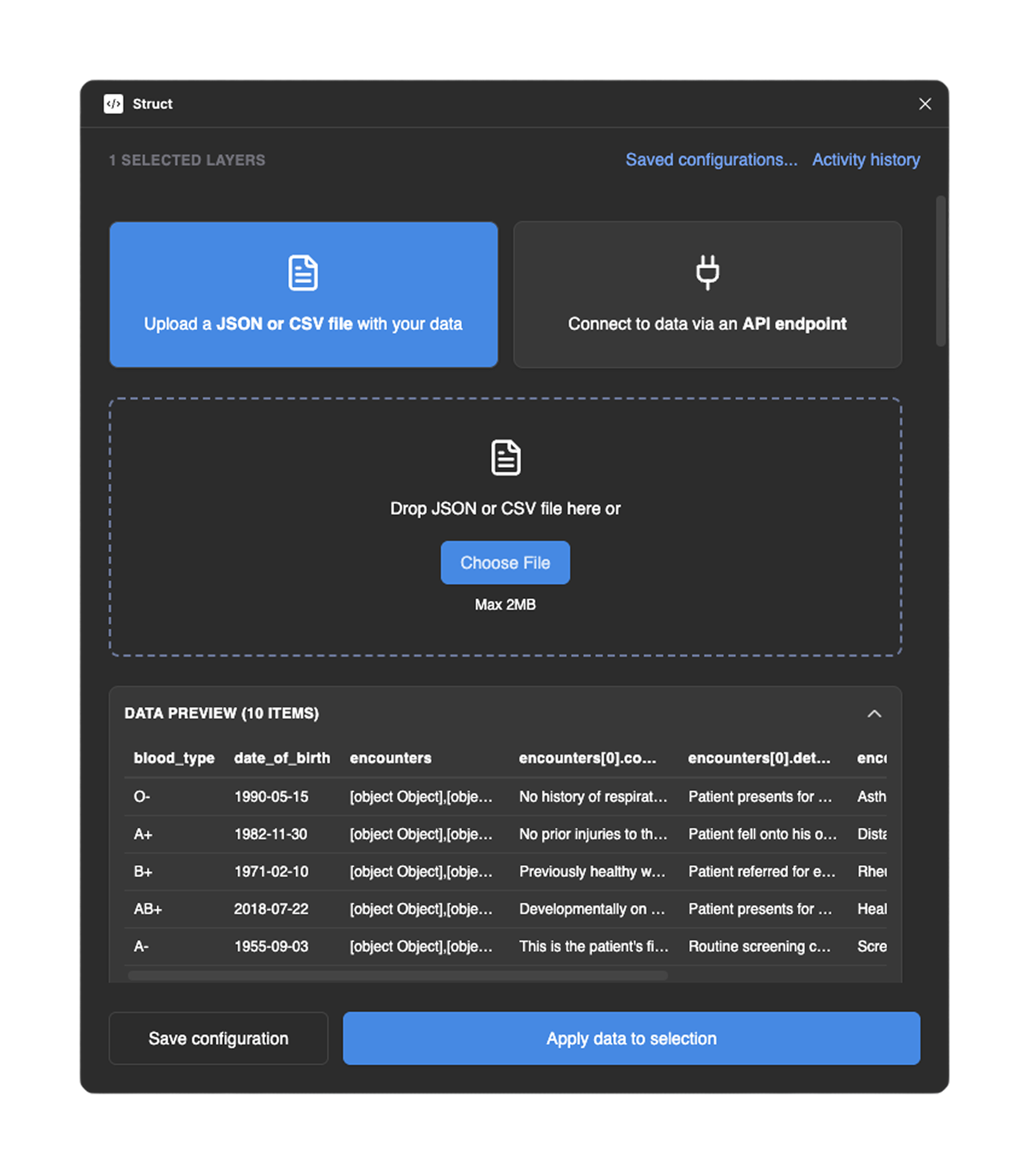
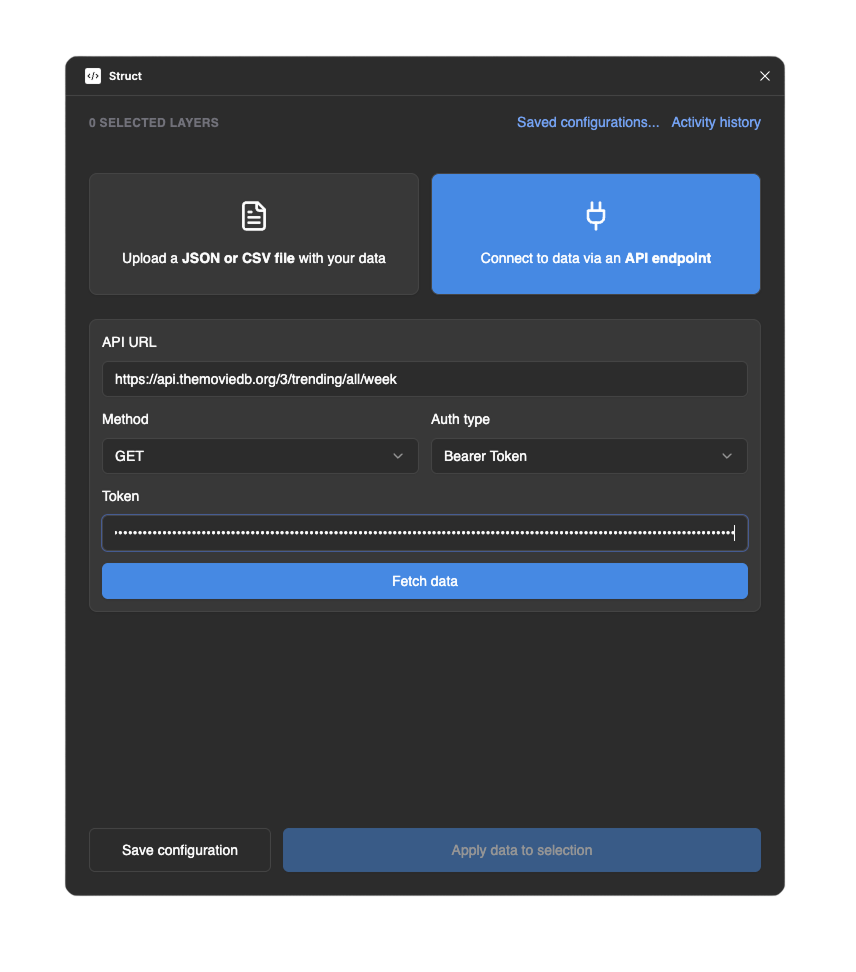
- Import data. Drag and drop a JSON or CSV file into the plugin, or paste an API endpoint to fetch data directly
- Preview data. Struct automatically detects the data format and displays a preview table
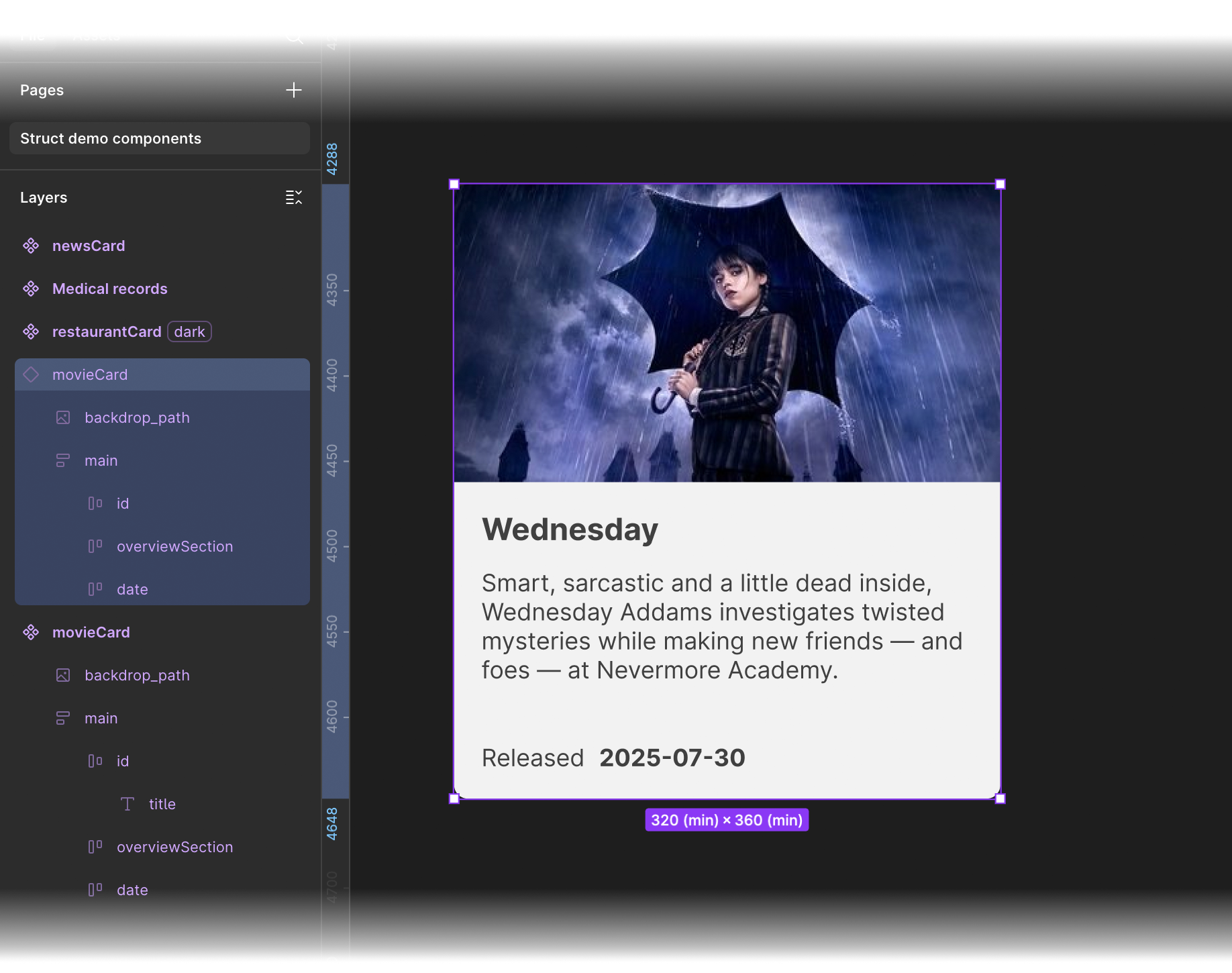
- Map fields. Struct will apply data to Figma layers matching the keys in the data source. Adjust mappings as needed, or use the Value Builder to combine fields (if your layers names differ from the source, or you need to combine fields to make usable data)
- Apply data. Click Apply Data to Selection to populate your layers. Text, images, and even component variants update instantly.
- Save configurations. (Optional). Save frequently used data mappings for quick reuse. Manage and load saved configurations from the plugin’s settings
Note: Struct does not store your API keys across sessions. While you have the plugin modal open, you enter your keys once and you and fetch and apply data. Once you close the plugin, we discard your API keys to preserve your security.
Example APIs and files
Public APIs
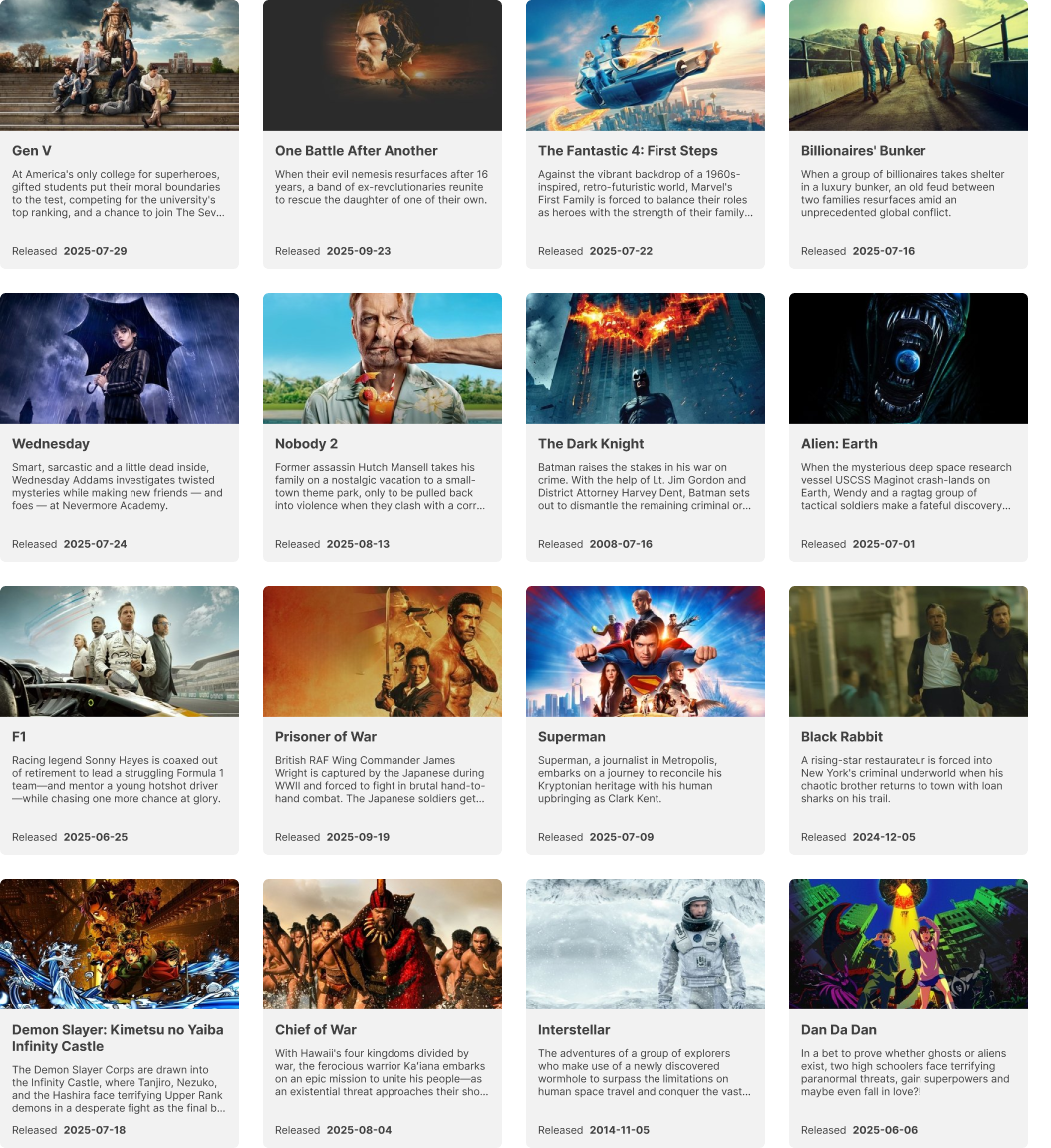
The Movie Database
Movie and TV Show data. API Key required (free).
New York Time API
News articles. API Key required (free).
Spoonacular
Recipes. API Key required (free, limited).
Downloadable sample files
- users.json
User profiles with avatars
- patients.json
Fictional medical records
- restaurants.csv
Fictional restaurant list (CSV)


© 2025 Struct. A data plugin for Figma. Built for designers who love real data.